Video Guidelines
Symphony Administration
New WebID
This content cannot be showed, because your browser does not support Flash player plugin.
To install plugin follow link: click here

Creating new WebID
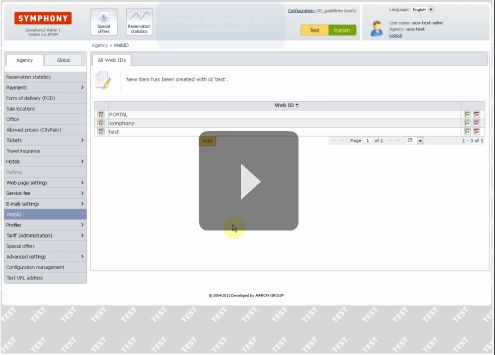
WebID is simply created by clicking "Add" button in WebID section.
After filling in requested WebID, click "Save" button and publish configruation to take effect.
Format of url with WebID:
index.php?S2_WEB_ID=test
Video lenght: 0:21 min