Video Guidelines
Symphony Administration
Default template macro
This content cannot be showed, because your browser does not support Flash player plugin.
To install plugin follow link: click here

Default email template using macro
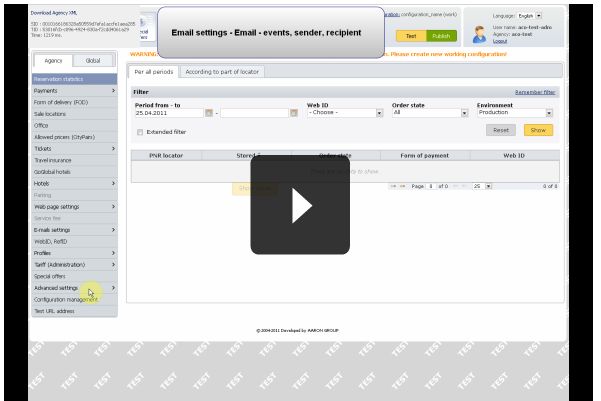
In this movie it is shown how to create default email template using one macro.
Each template must have Name, Subject and Body defined.
It is also possible to define aditional languages.
Language "*" is used in case that language selected in reservation is not defined.
"*" language is by default defined in english.
For other languages insert macro into other language mutations - for requested language, subject and body must be always defined.
Video lenght: 1:25 min