Video Guidelines
Symphony Administration
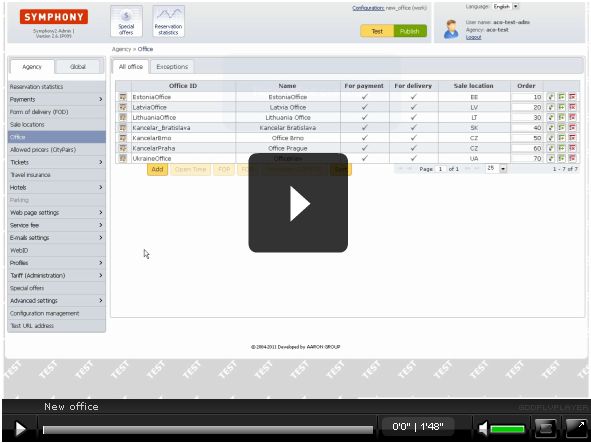
New office
This content cannot be showed, because your browser does not support Flash player plugin.
To install plugin follow link: click here

How to add new office?
In this simple video one office is created, which is used for payments and delivery of tickets.
First step is to fill office ID and name and select sale location for which it will be available.
Second step is to choose if office will be for delivery, payments or both.
Third step is to define all mandatory fields.
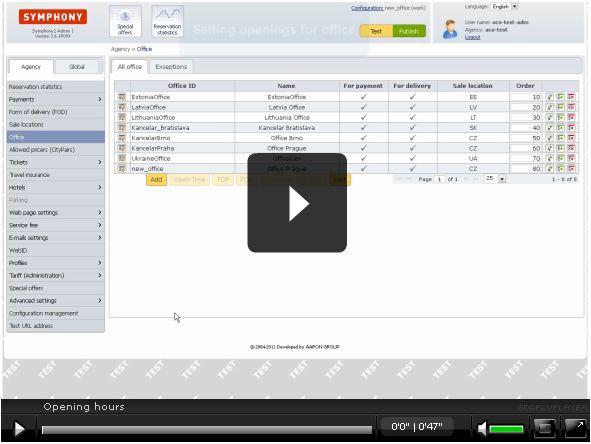
After office is saved, opening time must be defined in order to work.
For more, see next movie: "Opening hours"
Video lenght: 1:50 min