Video Guidelines
Symphony Administration
New special offer
This content cannot be showed, because your browser does not support Flash player plugin.
To install plugin follow link: click here

How to add new special offer?
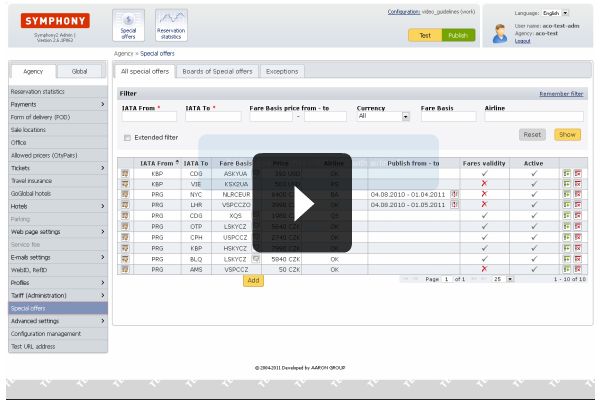
In this simple video, one special offer from Prague to Amsterdam with Czech Airlines is created and shown via test button on homepage of Symphony 2 aplication.
First step is to find and choose requested fare from fare structure.
New special offer must be placed to "Special offer board" to start showing on homepage.
When offer is created, it can be tested via "Test" button in top right corner.
Video lenght: 1:05 min