Video Guidelines
Symphony Administration
Corporate profile service fee
This content cannot be showed, because your browser does not support Flash player plugin.
To install plugin follow link: click here

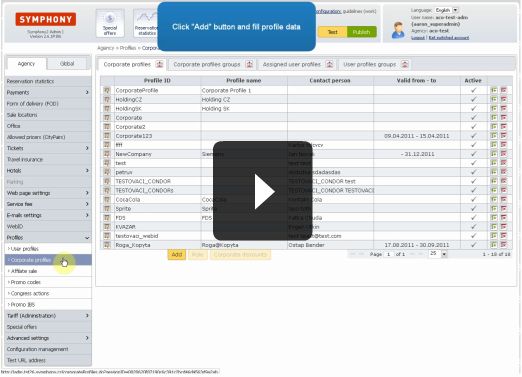
Service fee for corporate profile "corporation"
First open "Service fee" section and select product type.
Create new row, define service fee amount and select profile condition.
Fill in profile name, and move new created row to first place - this will cause that this service fee and condition will be checked first, if condition will not be applied.
System is checking rows from highest to lowest position and applies first matching service fee definition.
Video lenght: 0:49 min