Video Guidelines
Symphony Administration
Amadeus flights service fee for WebID "test"
This content cannot be showed, because your browser does not support Flash player plugin.
To install plugin follow link: click here

Setting service fee for WebID "test"
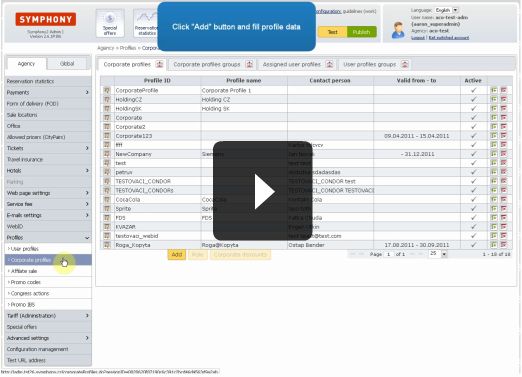
Click on "Service fee" section in menu and select product type - Amadeus flights, Amadeus hotel, LCC flights, GoGlobal hotel or ContentInn hotel.
In selected product section, click "Add" to define new service fee, select "BasicFee" and fill in amount.
Next define condition - select WebId condition and fill WebID "test". Click "Save" and publish changes to take effect.
Video lenght: 0:49 min